Hand Tracking in WebXR: Designing Games for the Controllers You Were Born With
Hand tracking is the most underrated input method in VR, and the browser is the best place to use it. What the WebXR Hand Input API actually gives you, where it works as of mid-2026, and the design lessons I learned shipping controller-free games.
Set the controllers down
The whole pitch of WebXR is that you remove friction. No store, no download: someone taps a link and they are in your game. Hand tracking extends that same idea one step further, because now you do not need controllers either. You put on the headset, open the browser and play with the hands you already have.
That matters more than it sounds. If you have ever handed a Quest to someone who has never used VR, you know the first five minutes are not spent playing your game. They are spent explaining which button is the grip, why the thumbstick turns in steps and what the difference between trigger and grip is. Hands skip that conversation entirely. Everyone already knows how to point and how to pinch their fingers together. For a platform like dmnshd.gg, where most players arrive from a link with zero context, that shortens the distance between curiosity and actually playing.
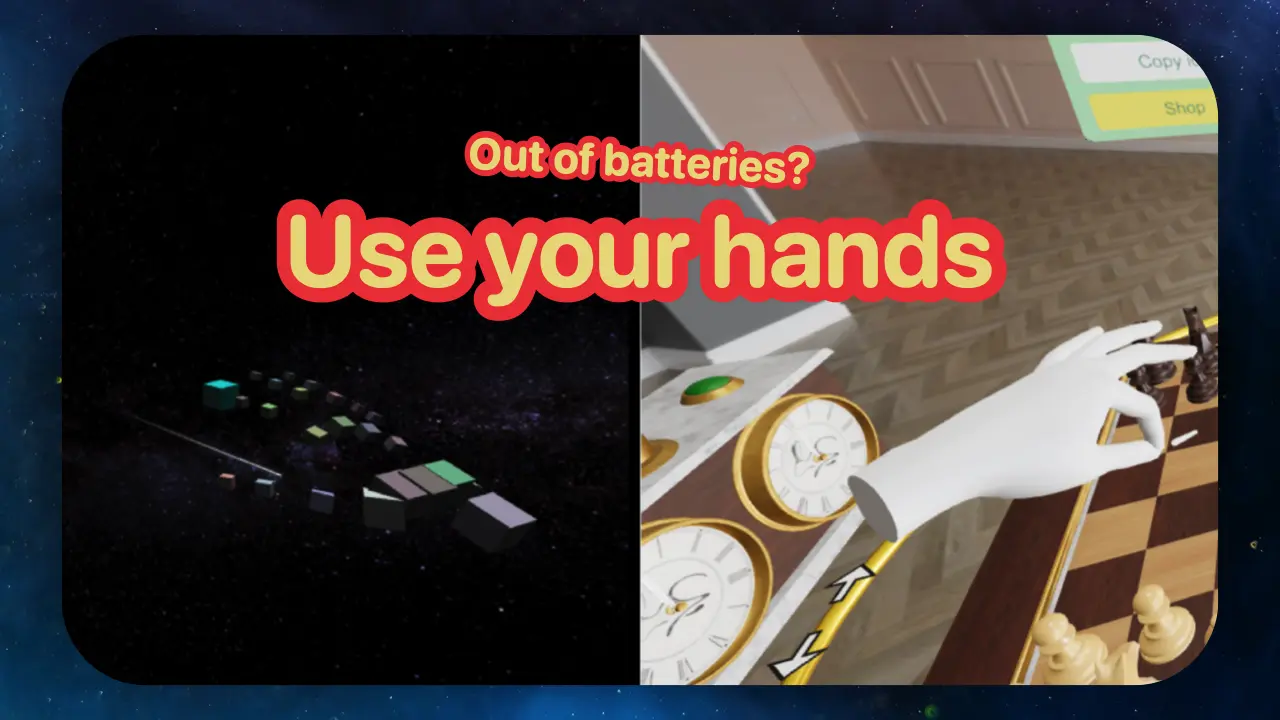
It is also, frankly, just convenient. Controllers are in the drawer, batteries are dead, you are lying on the couch. Hand tracking is the input method that is always available.
So why do so few WebXR games support it well? Mostly because designing for it is genuinely different, and because the API hands you much less than you might expect. Both are solvable. Here is what I learned.
What the browser actually gives you
The WebXR Hand Input API is a small spec with one job: it gives you a skeleton. Each hand is exposed as 25 named joints, from the wrist out to the fingertips, four for the thumb and five for each finger. Every frame you can query the position and orientation of each joint and do whatever you want with them.
Hand tracking is opt-in. You request the hand-tracking feature when creating the session, and the user agent asks the player for permission. Without it, the hand attribute on your input sources stays null and you see hands as generic controllers at best.
Here is the part that surprises people: that skeleton is all you get. The spec deliberately does not define gestures. There is no pinch event, no grab event, no "is the user pointing" helper. The spec explainer shows how to detect a fist by measuring fingertip-to-knuckle distances yourself, and that is the level you work at. If you want a pinch, you measure the distance between the thumb tip and the index tip and pick your own thresholds. (Use two thresholds, a closer one to start the pinch and a farther one to release it. A single threshold flickers at the boundary and your input stutters.)
In practice the browsers meet you halfway. On Quest, a pinch fires the standard WebXR select event, the same one a controller trigger fires, so point-and-pinch UI works before you ever read a single joint. The skeleton is for everything beyond that.
There are two more built-in gestures worth knowing on Meta headsets: turn your palm upward and pinch. On the left hand that presses the pause button, delivered to your game as regular controller input, the same press the left controller's menu button would send, so wire it up to your pause screen. On the right hand the same gesture belongs to the OS and triggers the Meta system button, and your game never sees it.
If you build with Three.js, the plumbing is short: renderer.xr.getHand(0) gives you a hand as a group of joints that updates every frame, and XRHandModelFactory renders it as spheres, boxes or a skinned mesh so players can see their own hands. Babylon.js and A-Frame have equivalent helpers. And since you cannot pinch the air at your desk, Meta's Immersive Web Emulator lets you fake hand poses in desktop Chrome, which saved me dozens of headset round trips on Shed Racer.
Where it works in mid-2026
The honest support picture, as of writing:
- Meta Quest Browser (Quest 2, 3, 3S, Pro): the reference platform. Set the controllers down and the headset switches to hands automatically. Tracking quality has improved a lot over the generations; Meta's Hands 2.2 update cut tracking latency by up to 40% in typical use and up to 75% during fast movement, and fast movement is exactly where games hurt the most.
- Apple Vision Pro (Safari): Apple went its own way, and it is an interesting way. The default input is transient-pointer: an input source that only comes into existence while the user pinches, aimed where they were looking when the pinch started. It is gaze plus pinch, the native visionOS interaction, mapped onto WebXR. It is also a deliberate privacy design, since the page never sees a continuous eye-gaze stream, only a snapshot at the moment of the pinch. Full 25-joint hand skeletons are available too if you request
hand-trackingand the user grants it. - Android XR (Samsung Galaxy XR): Chrome on Android XR ships the Hand Input API as the default input. Controllers for the Galaxy XR are sold separately, which tells you what the platform expects most people to use.
- Everywhere else: Chromium-based desktop browsers expose the API for PC headsets that support it, Wolvic covers several standalone headsets like Pico. For browser games this matters less than it sounds, since the headsets people actually play on are covered.
The trend is hard to miss. The two newest headset platforms, Vision Pro and Android XR, both treat hands as the default input and controllers as the accessory. Quest still leads with controllers but keeps investing heavily in tracking quality. Designing your WebXR game for hands stopped being a nice-to-have somewhere in the last two years.
What shipping it taught me
The theory above is the easy part. Shed Racer, the WebXR racing game I built in eight weeks, supports VR controllers, hand tracking, touch and keyboard and hand tracking was the input that demanded the most actual design work.
The core problem of hand tracking design fits in one sentence: you have exactly one reliable button. The pinch. Everything else, custom gestures, fists, palm-up menus, works some of the time and fails when the headset cannot see your fingers. A racing game needs steering, acceleration and braking at the same time. With a controller, that is a stick and two triggers. With one pinch, what do you do?
My answer ended up being a floating pinch joystick. The idea came from Shed Racer's mobile controls, where someone in the community had reduced the touch scheme to a single virtual joystick, and it struck me as the right shape for hands too. You pinch anywhere in the air, and a small 3D joystick appears at your fingers. Hold the pinch and move your hand: the offset from the anchor point steers and accelerates. Release, and it snaps back to neutral and disappears. Because the joystick spawns wherever your hand happens to be, there is nothing to find and nothing to aim at. Your hand is already in the right place by definition. Maze Challenge also supports this virtual joystick input.
A second gesture, double-pinch, toggles between first-person and top-down tabletop view. That is the entire input vocabulary: pinch and pinch-twice. There is also a two-handed grabbable steering wheel for first-person mode, which is wonderful when it works and is the least reliable part of the scheme, because two hands gripping a wheel in front of your chest is also two hands occluding each other from the tracking cameras.
Two things from that build week stuck with me. First, desktop testing lies to you. The emulator validates your logic, but whether a pinch joystick feels right, how much dead zone it needs, how far the snap-back should travel, you only learn in the headset. Second, the tooling around hands is not very robust. I lost an embarrassing amount of time to handedness bugs. AI coding assistants, which otherwise carried that project, kept making mistakes by identifying hands incorrectly. Hand-tracking code seems to be underrepresented in the training data.
Design rules that survived contact with players
Some of these I learned the hard way, some come straight from Meta's hand interaction guidelines, which are worth reading in full even if you never ship on Quest.
- Pinch with the index finger, ignore the rest. Meta's own data says thumb-to-index pinches are the most accurate signal the system can detect, and accuracy degrades finger by finger toward the pinky (consider the occlusion of the fingers). Designing anything important around a ring- or pinky-finger pinch is not going to end well in most cases.
- You have no haptics, so spend feedback elsewhere. A controller click confirms itself, even stronger with haptic feedback. A pinch in empty air confirms nothing, so every interaction needs a visible and audible response: the joystick appearing, a color change, a soft click sound. Meta's guidance is explicit that visual and audio feedback have to carry the weight that a vibration normally does.
- Respect the gorilla arm. Holding an arm out at chest height gets exhausting within a minute or two. Keep resting poses viable, keep interactions low and close to the body, and avoid reflex-heavy timing demands unless you are deliberately making a fitness game. The pinch joystick lets you drive with your hand resting on your knee, which is not by accident.
- Tracking loss is a normal state, not an edge case. Hands drop out of the camera view, fingers occlude each other, and living rooms are darker than tracking cameras would like. The API reports this honestly, joints simply return null poses, and your game has to do something sensible: hold the last input briefly, ease to neutral, never punish. If losing tracking for half a second costs the player the race, they will blame your game, not the cameras.
- Do not port your controller scheme. The instinct is to map pinch to trigger and call it done. It fails because controllers are a six-button vocabulary and hands are a one-gesture vocabulary with a body attached. Subtract until the game works with pinch alone, then add the second gesture only if you must.
One caveat to that last rule: the vocabulary is finally growing. Meta's microgestures detect small thumb taps and directional swipes on the side of your index finger, and the Quest Browser now exposes them to WebXR on everything from Quest 2 to 3S. In practice you get a D-pad you carry on your finger: four swipe directions and a tap, per hand, readable while your arm rests at your side. They are Quest-only for now, so they shouldn't be your primary input, but as an optional layer. They add buttons to the one-button vocabulary, and since the motion is millimeters of thumb travel rather than arm movement, they are the most fatigue-friendly input hand tracking has.
The players you unlock
The accessibility upside deserves more attention than it usually gets. Controller-free play helps people with limited grip strength or hand mobility, for whom holding two tracked controllers covered in buttons, sticks and triggers is the actual barrier to VR. It helps the demo scenario, a friend's living room or a classroom, where pairing controllers and explaining mappings kills momentum. And it quietly extends session opportunities for everyone, because the headset with charged controllers in reach is a rarer object than the headset alone.
On a games platform, every one of those is a player who plays instead of bouncing. Friction compounds, and so does its removal: no install plus no controllers is a shorter path into a VR game than any app store on any platform can offer.
Alternatively, you can also have hand tracking work with desktop and mobile users as well:
Loading the embed shares your IP with X Corp. and may set third-party cookies.
Where this goes
My bet is that within a couple of years, hands-first will be the default assumption for WebXR input, with controllers as the high-precision option for the games that need them, roughly the way gamepads relate to touch on mobile today. The new platforms already behave that way, the tracking keeps getting faster, and gaze-plus-pinch on Vision Pro shows there is still real design space left to explore beyond the skeleton-chasing approach. The frictionless nature is the most natural input method for future devices that bet on being lighter and more frictionless, like smart glasses.
Several games on dmnshd.gg support hand tracking today, and everything new we build treats it as a first-class input from day one. If you want to feel the difference yourself, put the controllers down, open Shed Racer on your Quest and pinch the air. The Quest help guide has setup details if your headset does not switch to hands automatically (it should).
And if you are building WebXR games: support hands. It is one API, one gesture and a couple of days of design work, and it makes your game playable by anyone who can reach a headset.
Ready to Play?
All games on dmnshd.gg are free and load instantly in your browser. A free account saves your progress and starts with 100 tokens.